![TripCreator_logo_on_white.png]](https://articles.tripcreator.com/hs-fs/hubfs/TripCreator_logo_on_white.png?height=40&name=TripCreator_logo_on_white.png)
1. Problem
“My logo isn’t appearing on the voucher.”
2. Why might this happen
The voucher logo is automatically linked to the logo set in your itinerary appearance template. If a logo isn’t applied there, it won’t display on vouchers.
3. Step-by-step solution
-
Open Itinerary Settings and check which appearance template is applied.
-
Go to Settings > General Settings > Appearances and open the selected appearance.
-
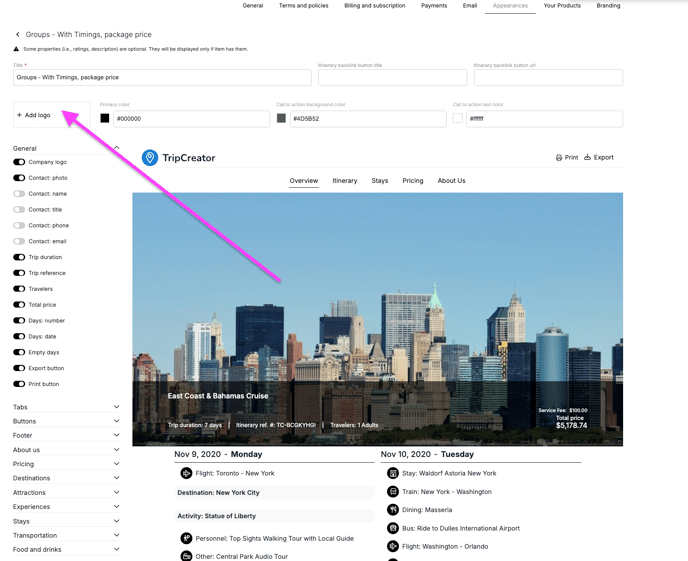
Under the Title, check if a logo is added in the Logo section.
-
If no logo is present, click + Add logo and upload the one you’d like to display on itineraries using this appearance.
-
Scroll down and click Save to confirm your changes.
5. Related links
To learn more about vouchers, see this article: Operations System: Generate Vouchers