![TripCreator_logo_on_white.png]](https://articles.tripcreator.com/hs-fs/hubfs/TripCreator_logo_on_white.png?height=40&name=TripCreator_logo_on_white.png)
Information can not only be saved to your products and information items but also to different tabs on a particular itinerary layer itself.
To add itinerary notes and files follow these steps:
- Open an itinerary and navigate to the PREVIEW window.
- Tap the EDIT option at the top tab.
-
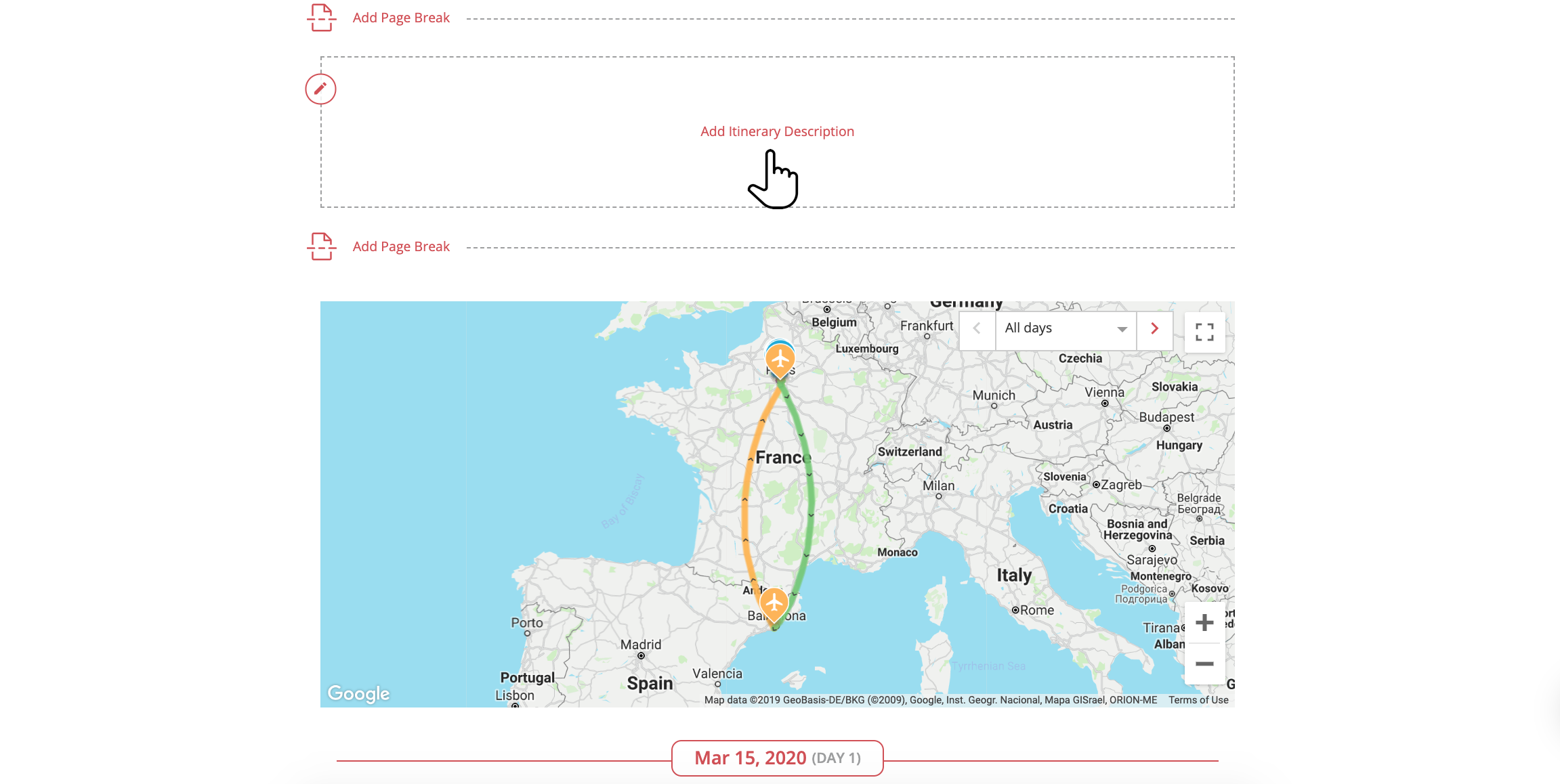
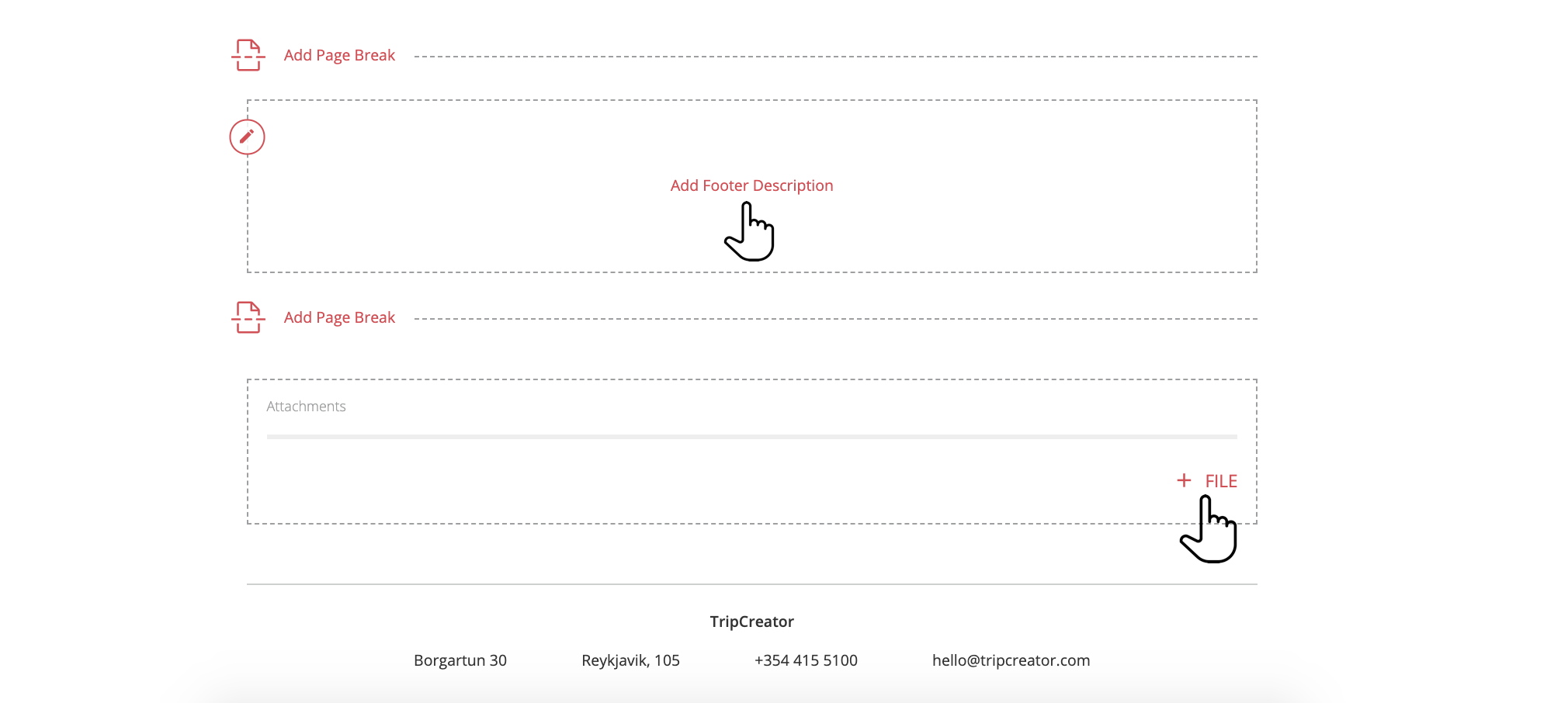
Switch between the itinerary tabs and look for text fields marked with a pencil icon. Click these to add, remove, or edit content—for example, rename the itinerary title or include descriptions and notes. This option is available on most tabs.
-
When finished editing the itinerary, click DONE EDITING at the top taskbar.